
How to Fill Every AI Logo Field Better
A logo generator can only work with the direction it receives. If every field says the same vague thing, the result usually looks vague too. If each field does a different job, the output gets sharper much faster.
That matters on a site where the main path is already clear: enter a brand name, slogan, business description, style, colors, and any extra guidance, then generate. A stronger brief inside the AI logo generator does not guarantee the perfect mark on the first try, but it gives the model a more useful starting point.
The goal is not to write a long prompt in every box. The goal is to make each input carry one clear piece of brand direction.
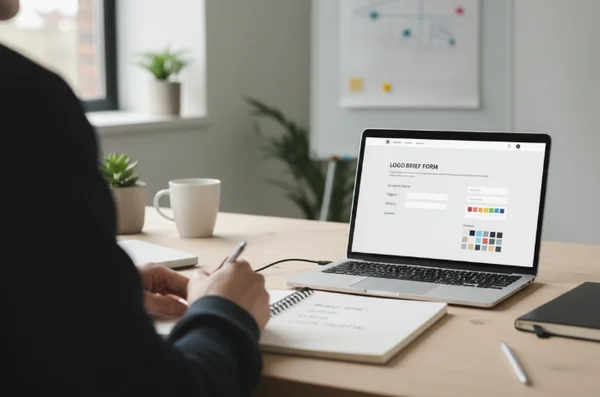
Why Better Inputs Lead to Better Logo Directions
Many first-time users treat the form like six versions of the same request. They repeat words like modern, creative, premium, and unique in every field. That often produces logo ideas that feel polished on the surface but weak in meaning.
A better approach is to separate identity from visual direction. The brand name tells the generator what the mark belongs to. The slogan can signal the promise or tone. The business description explains what the company actually does. Style and color choices shape the mood.
When those roles stay distinct, the generator has less guesswork to do. That usually leads to logo directions that feel more intentional and easier to refine.
What Each Logo Generator Field Is Really Doing
Each field in the form is a design lever. The mistake is using them all as one big adjective pile. The better move is to decide what each field should contribute before typing anything.
Brand name and slogan set the identity anchor
The brand name is the anchor. It should be entered exactly as the business wants it to appear. If the name is still undecided, logo quality often suffers because the generator is building around unstable wording from the start.
The slogan has a different job. It should not repeat the brand name or stack buzzwords. Digital.gov's plain-language guidance says plain language is communication the audience can understand the first time they read or hear it. That is a useful rule for slogans too. If someone has to decode the line, it is probably trying to do too much.
A short slogan works best when it adds meaning the name does not already carry. It might point to speed, trust, locality, or a specific result. It should not try to explain the whole business model in one breath.
Business description, style, and color shape the visual direction
The business description tells the generator what kind of company it is designing for. This is where many users either write too little or dump in a crowded paragraph with every service, audience, and value claim they can think of.
Style and color fields do something different. Style tells the model how the mark should feel. Color tells it how the mark should show up. A minimal tech logo, a playful bakery symbol, and a calm wellness mark may all describe the same business in very different visual language.
These fields work best when they are coordinated, not duplicated. If the business description already says handmade neighborhood bakery, the style field does not need to repeat local, bakery, and warm again. It can focus on visual cues such as vintage badge, clean script, or simple icon with rounded edges.
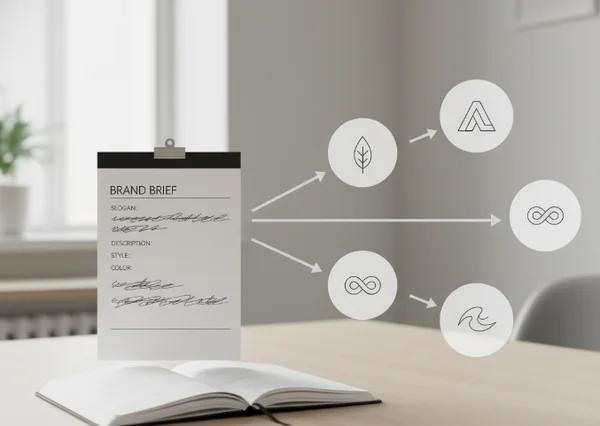
How to Write Clear Inputs Without Sounding Generic
Clarity does not mean stripping out all personality. It means giving the generator a brief that is easy to interpret and hard to misread.
Use one clear business idea instead of a crowded paragraph
The strongest business descriptions usually answer one question first: what does this brand do for whom? That single sentence gives the generator more structure than a list of unrelated claims.
Digital.gov notes that the Plain Writing Act of 2010 defines plain writing as clear, concise, and well-organized for the intended audience. It also links straightforward language to higher trust. That is a strong standard for the business description field. A short line such as “custom meal prep for busy parents” gives the model a clearer path. It is easier to use than “innovative excellence solutions for modern growth-minded teams.”
A good test is whether someone outside the business could repeat the description after one read. If they cannot, the field probably needs fewer abstractions and more concrete nouns.
Choose color directions that stay usable on screen
Color preferences should guide the mood of the logo, but they should also stay usable in real digital contexts. A dramatic color combination can look exciting in a mockup and then disappear when the logo sits in a header, a social profile, or a button-sized space.
Section 508 color guidance says images and graphics that convey information should aim for at least a 3:1 contrast ratio whenever possible. It also says a logo that functions as a home-page link needs at least a 3:1 contrast ratio with the surrounding colors. For a generator form, that means color directions should not focus on mood alone. They should also leave enough contrast for the mark to stay legible on screen.
A practical way to write the color field is to pair vibe with use. Instead of saying just “blue and gold,” say “deep blue with warm gold accents, readable on light backgrounds.” That gives the model both emotion and constraints.
A Practical Brief Template Before You Generate
A short template makes the form easier to fill and easier to revise. It also keeps one weak field from dragging the rest of the brief down.
Draft one sentence for each field
Before opening the generator, draft a one-line answer for each input. Keep it simple.
Brand name: the exact business or product name.
Slogan: one promise or brand angle.
Business description: one sentence that says what the brand does and for whom.
Style: two or three visual cues, not a paragraph.
Color: one main palette direction plus one usability note.
Extra prompt: one special instruction the earlier fields do not already cover.
This structure works well inside the logo design workspace because it spreads meaning across the form instead of cramming everything into the last box.
Review for clarity before you submit
Read the full brief once before generating. Look for repeated adjectives, vague business language, and style notes that fight each other.
A simple check helps. Remove one word at a time. If the meaning does not change, the word was probably filler. Replace broad terms like innovative or premium with concrete signals like local organic grocery, privacy-focused scheduling app, or playful handmade candle shop.
Also keep the site's boundaries in mind. The extra prompt box is useful for visual direction, not legal clearance, trademark guarantees, or promises of full brand strategy.
Next Steps for Smarter AI Logo Inputs
Better logo results usually start with better field discipline. Let the brand name anchor the identity. Let the slogan add one clear promise. Let the business description explain the offer. Let style and color shape the visual direction.
That approach keeps the generator from solving six conflicting problems at once. It also makes later revisions easier because each field can be adjusted on purpose instead of by guesswork.
When the brief is short, distinct, and screen-aware, the next batch of logo ideas usually becomes easier to judge and easier to improve inside the brand logo workspace.