Edit the logo after you pick a direction
A useful logo begins with a clear idea of the business behind it. Tell us your brand name, what you offer, and who you want to reach. Use this logo creator to explore a direction, then refine the details that make it recognizable.
Already have a logo? Bring it into the same workspace through the upload entry. Choose the route that matches your starting point, whether you are developing a new identity or working with existing artwork.
Let the business guide the symbol
Hearth & Grain pairs a sun-and-wheat mark with warm terracotta and serif lettering. The bakery brief provides a concrete subject and tone. For your own brief, name the service or product before adding adjectives such as friendly, precise, or playful.
Open the composer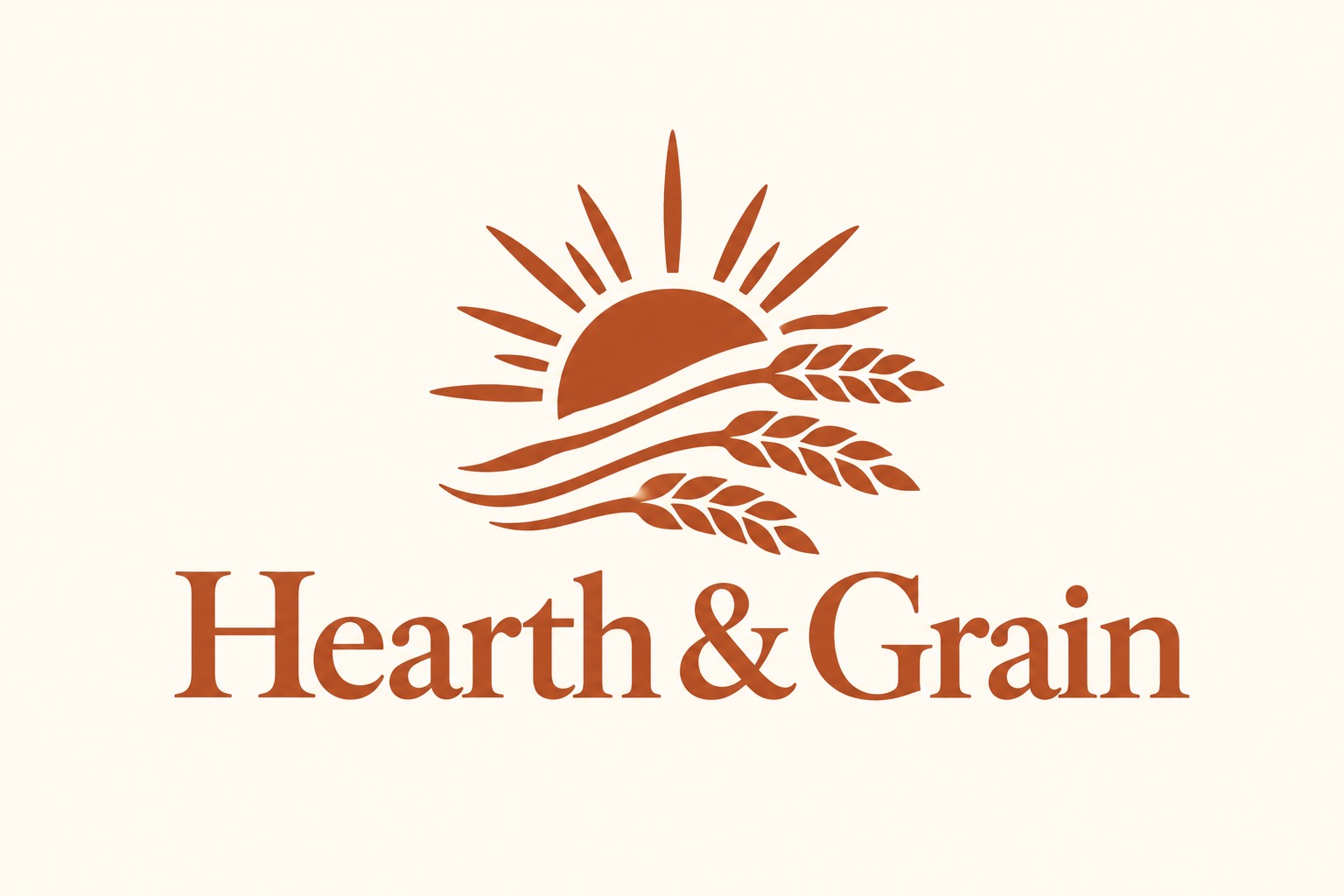
Choose lettering that fits the voice
Open Frequency uses a bold wordmark and speech-bubble motif to connect the name with conversation. Compare how the lettering and symbol work together, then refine their spacing and layout. A strong logo design should remain understandable without a paragraph of explanation.
Open the composer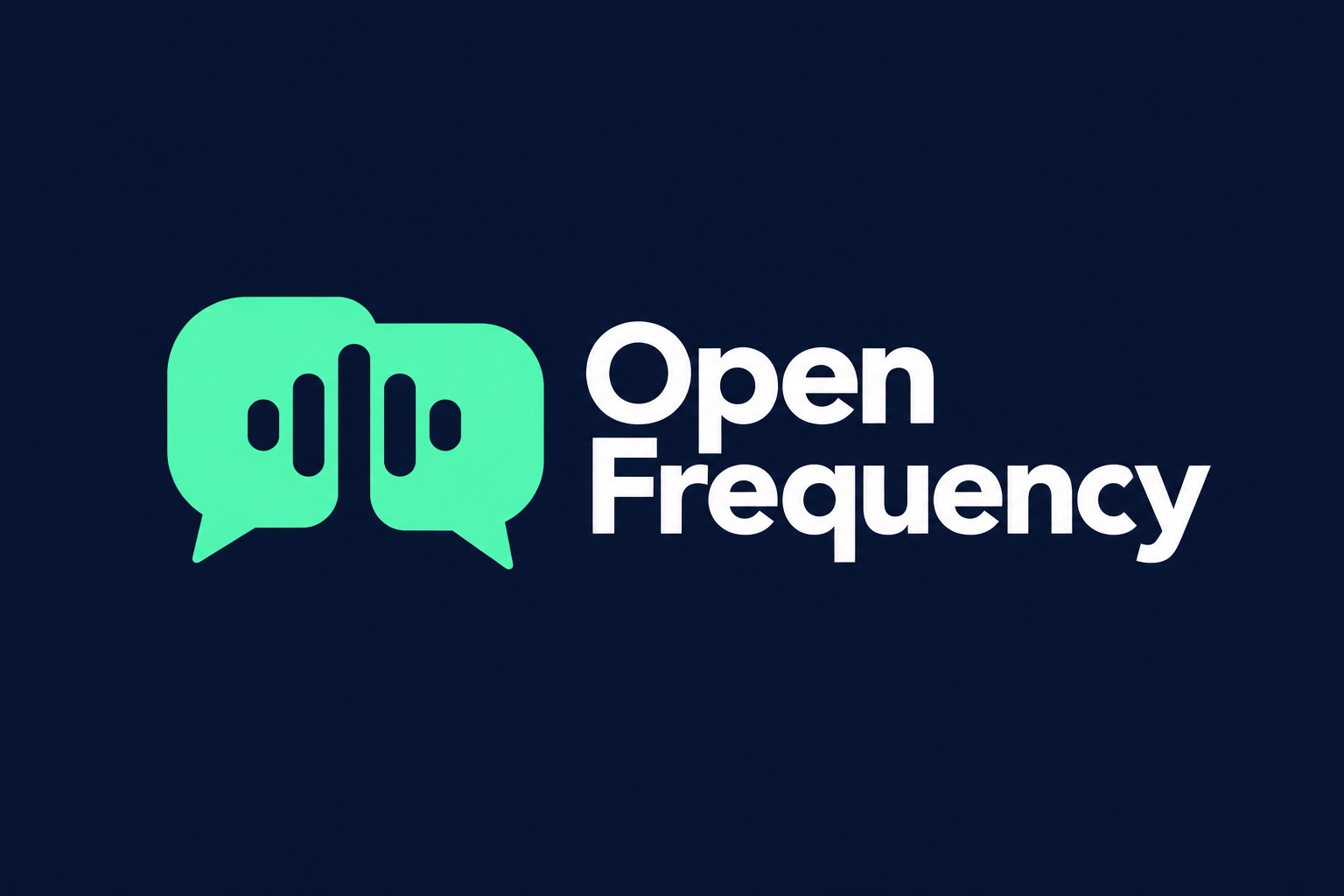
Keep your editing decisions focused
Use the logo editor to work through the details.
Start with what makes your business different
Your name identifies the brand. Your description explains the offer, audience, and feeling behind it. Add a slogan if it belongs in the logo, or leave it out to keep the design focused.
Refine the parts that shape your identity
Adjust the text, symbol, layout, colors, and background in the logo editor. Change one element at a time so you can judge whether it makes the name easier to read and the idea clearer.
Check the design where it will be seen
Do not stop at the large on-screen version. Compare the name and symbol at the size you will use, on light and dark backgrounds.
How to make your logo
Begin with a business description or bring your existing artwork.
Create a new logo
- 01
Describe your business
Enter your brand name and what your business does. Mention the audience and tone; a slogan is optional.
- 02
Choose and refine a direction
Compare the designs, open a direction in the editor, and adjust its text, symbol, layout, and colors.
- 03
Review before downloading
Check spelling, legibility, and the intended placement. Review the download options and price before completing checkout.
Edit an existing logo
- 01
Upload your artwork
Choose the upload entry and add a logo image you have permission to use.
- 02
Adjust the composition
Move, resize, or rotate the image, add separate text, and change the background. Text inside the uploaded image is not automatically separated.
- 03
Check the final use
Review the name, spacing, and readability at your intended size. Check the available files and price before downloading.
What makes a useful logo brief?
Name the business, describe the offer, and identify the audience. Add one visual preference if it helps explain the feeling you want. “A neighborhood sourdough bakery for local families” gives more direction than “something professional.”
These two identities show different ways to connect a symbol, wordmark, and palette. Use the examples as starting points for your own description, then review each design against your business rather than choosing on color alone.
Logo maker questions
What should I include in my business description?
Say what you offer, who it is for, and the impression you want to make. For example: “A neighborhood sourdough bakery for local families, with a warm, handmade feel.” A specific brief gives your logo a clearer direction than “a great business logo.”
Can I edit a logo I already have?
Use the upload entry to bring your existing logo into the editor. An uploaded image remains one object: moving or resizing it does not separate the lettering and symbol inside it. Add new text separately when you need an editable name or slogan.
Do I need an account to use the logo maker?
You can explore the workspace and edit without signing in. Sign in to generate logos. Downloading follows the account and checkout flow; review the current price and included files before purchasing.
How do I choose a logo that works at small sizes?
Compare the name and symbol at the size you will actually use, such as a website header or profile image. Look for readable lettering, clear spacing, and a silhouette that stays recognizable. Fine details and long slogans can become difficult to read when reduced.
What if my description is too short or the industry is unclear?
If the description does not identify an industry, the design uses a general symbol and the result is marked as unrecognized. Add the product or service, the audience, and one detail that sets you apart, then try again.
What should I do if a logo object fails to load?
Read the message beside the affected object and use its retry action. A single missing object does not mean you need to discard the rest of your design.
What should I do if generation has not finished?
Check the status of the generation request before starting another one. If only some results have failed, retry the missing results and keep the designs that are already available.
Does creating a logo guarantee exclusive rights?
A generated design is not a guarantee of exclusivity or trademark clearance. Check the name and symbol before adopting them, and use uploaded artwork only when you have permission. Review the applicable terms for your intended use.